

How do I enable it?
1
Open the Integrations page
Go to Integrations in your CookieChimp dashboard.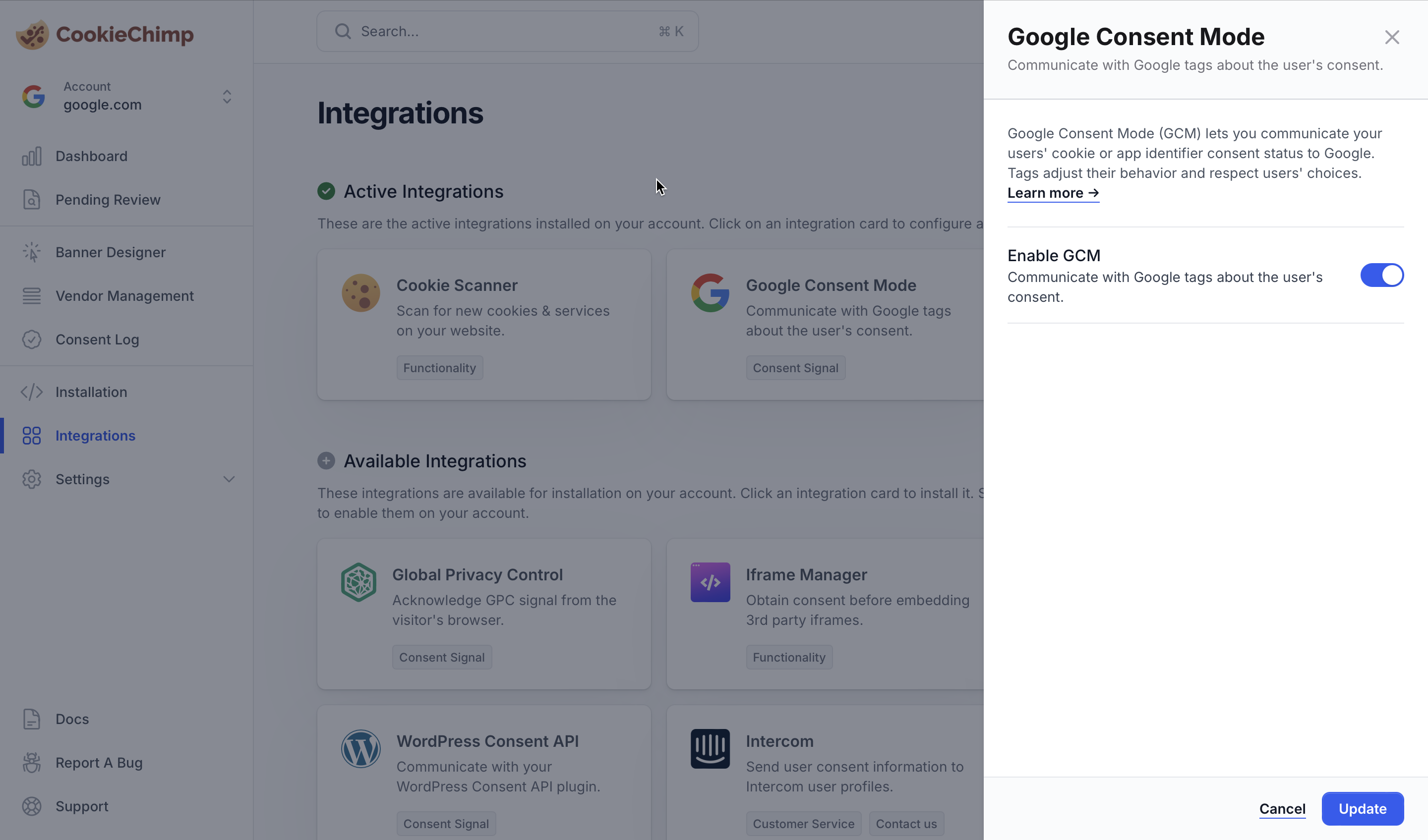
2
Toggle Google Consent Mode on
CookieChimp will start pushing consent state to the
dataLayer using Google’s gtag('consent', ...) API on page load and whenever the user updates their choices.How does CookieChimp map to Google consent types?
GTM supports 7 default consent types. CookieChimp maps them to your categories as follows:
When a user opts in to a category — or to a specific Google service in that category — the linked Google consent type flips from
denied to granted (and vice versa).
CookieChimp also pushes the consent state of individual services. For example, granting consent to a service named “Google Analytics” sets that vendor’s state to granted, which lets you gate a tag on the specific vendor rather than the whole category. See the GTM guide for how to wire this into a tag.
- Enable Debug mode from the CookieChimp dashboard and check the browser JS console for errors.
If you encounter any issues or need further assistance, please reach out to us via our chat.