> ## Documentation Index
> Fetch the complete documentation index at: https://docs.cookiechimp.com/docs/llms.txt
> Use this file to discover all available pages before exploring further.
# Banner Designer
> Design and configure your consent banner's layout, theme, and behavior.
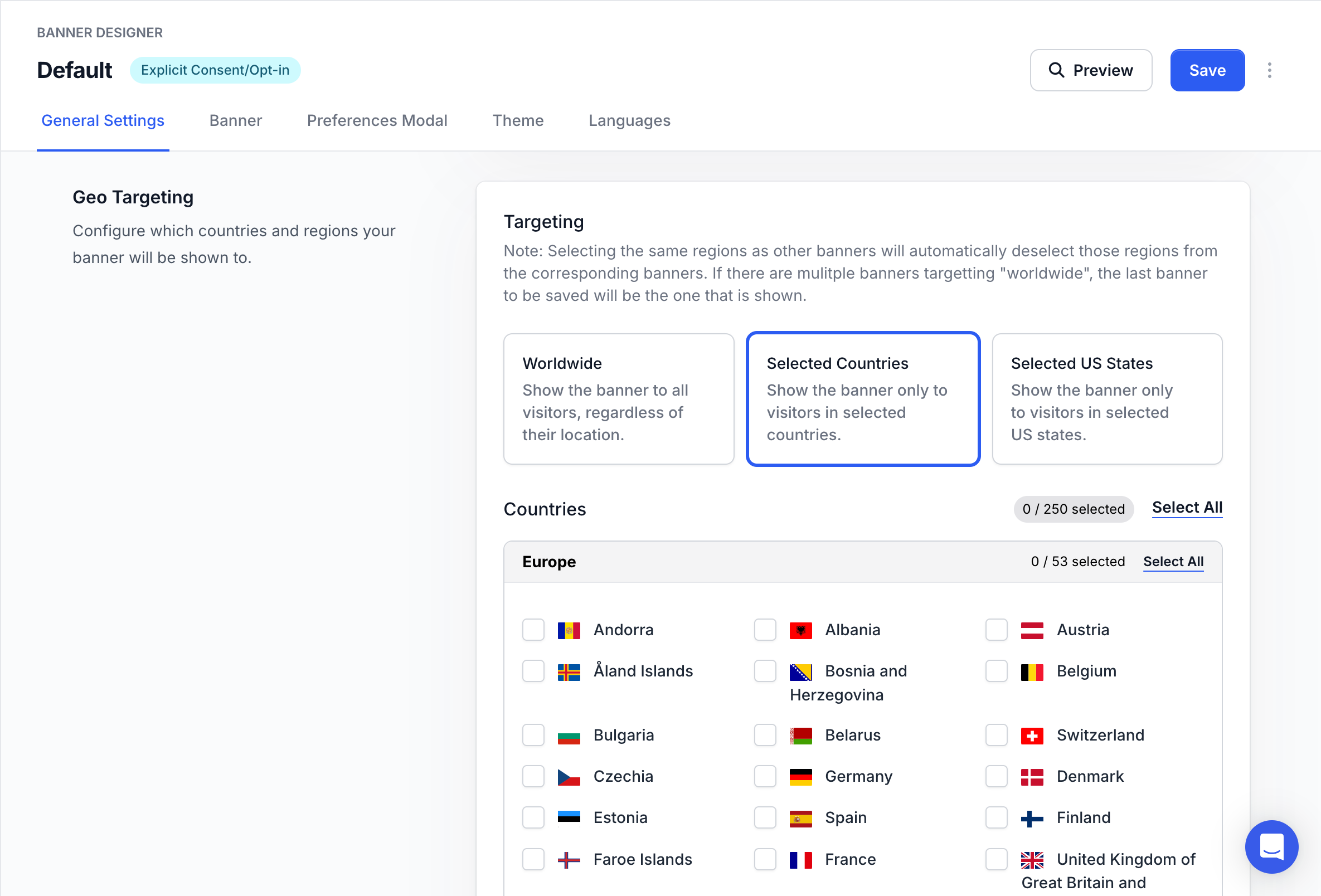
 ## How do I show different banners by region?
Banners can be configured to show only in specific countries or U.S. states. This lets you create multiple banners customised for different regions and their regulations.
## How do I show different banners by region?
Banners can be configured to show only in specific countries or U.S. states. This lets you create multiple banners customised for different regions and their regulations.
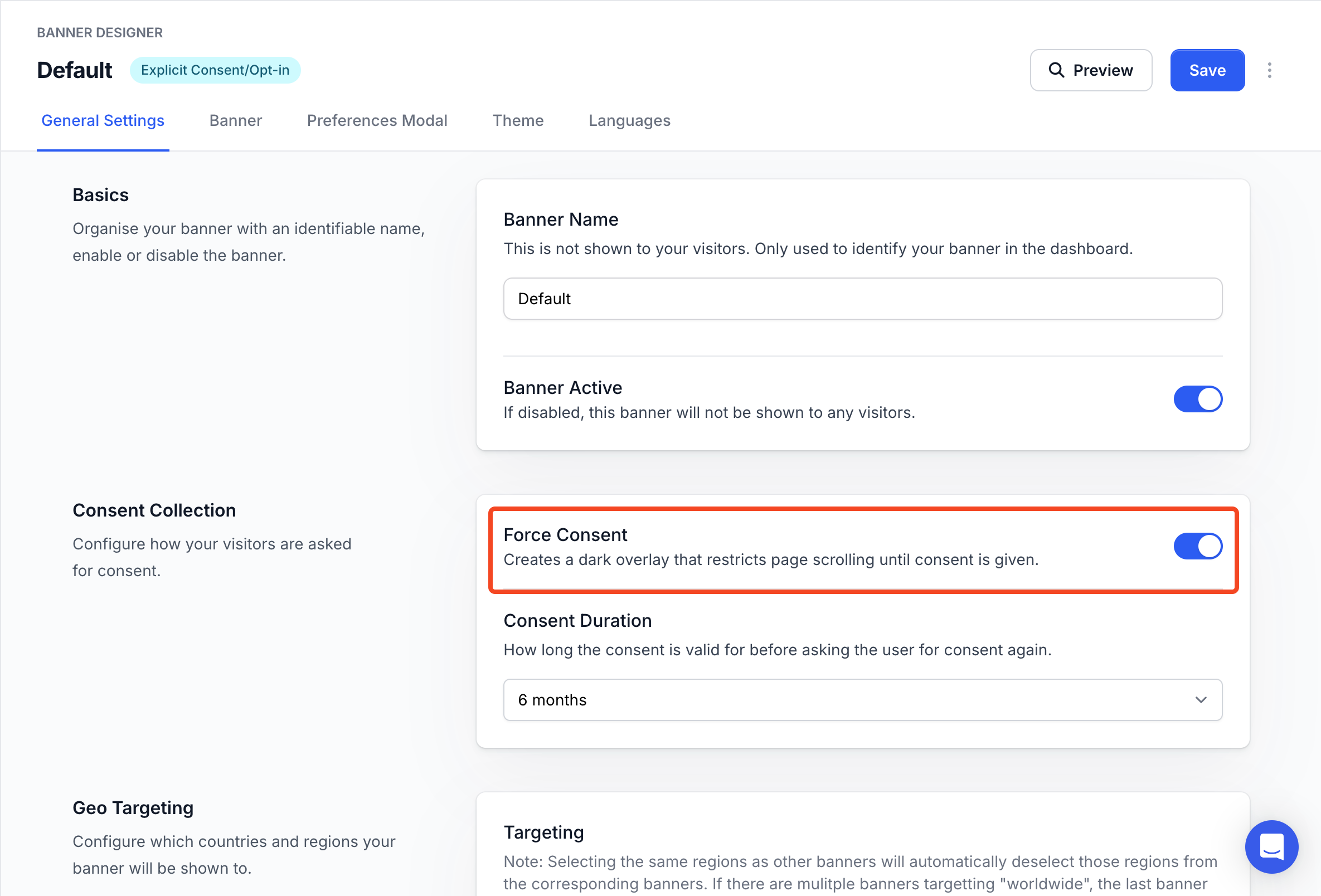
 ## How do I force users to consent before browsing?
The force consent option can be toggled to increase consent rates.
When this option is enabled, the user is forced to accept/deny consent before interacting with the website.
## How do I force users to consent before browsing?
The force consent option can be toggled to increase consent rates.
When this option is enabled, the user is forced to accept/deny consent before interacting with the website.
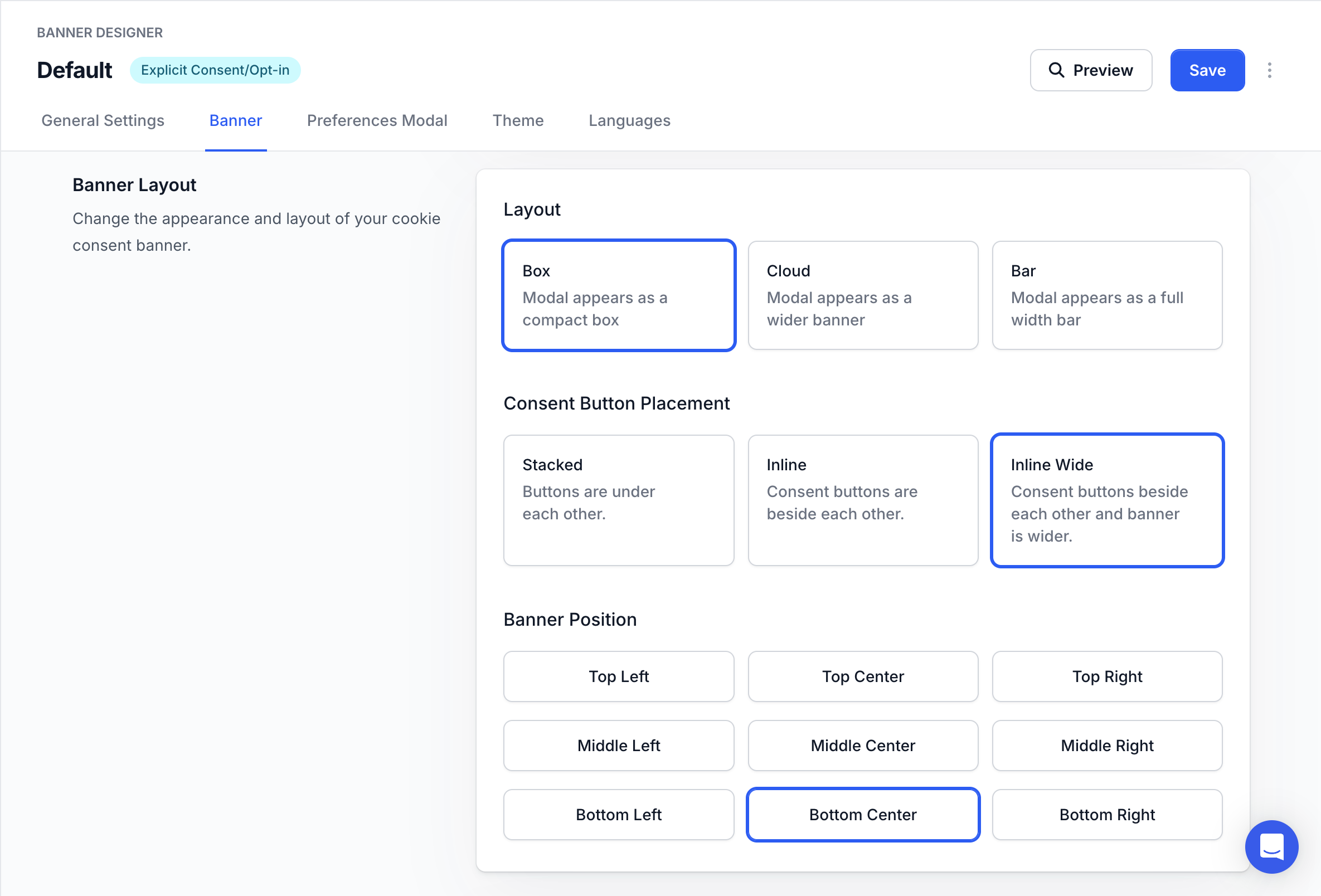
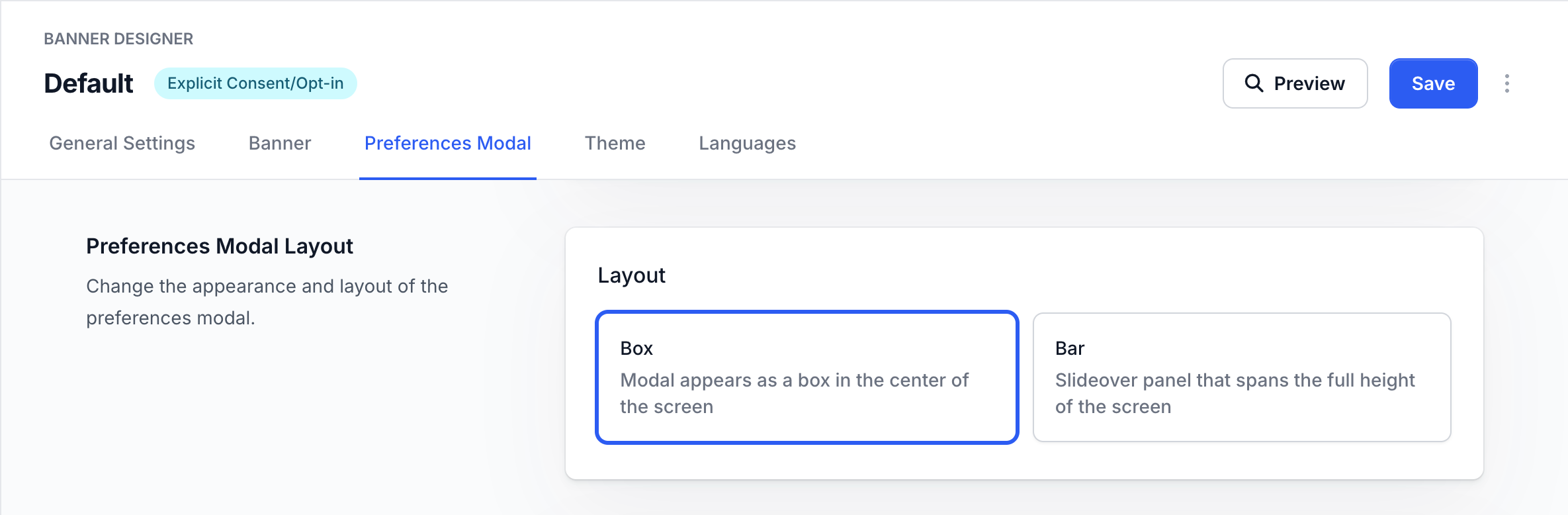
 ## How do I change the banner layout?
The layout, position and button placement of banners can be customised to fit your website's style.
## How do I change the banner layout?
The layout, position and button placement of banners can be customised to fit your website's style.
 Similarly, the layout of the preferences modal can also be customised.
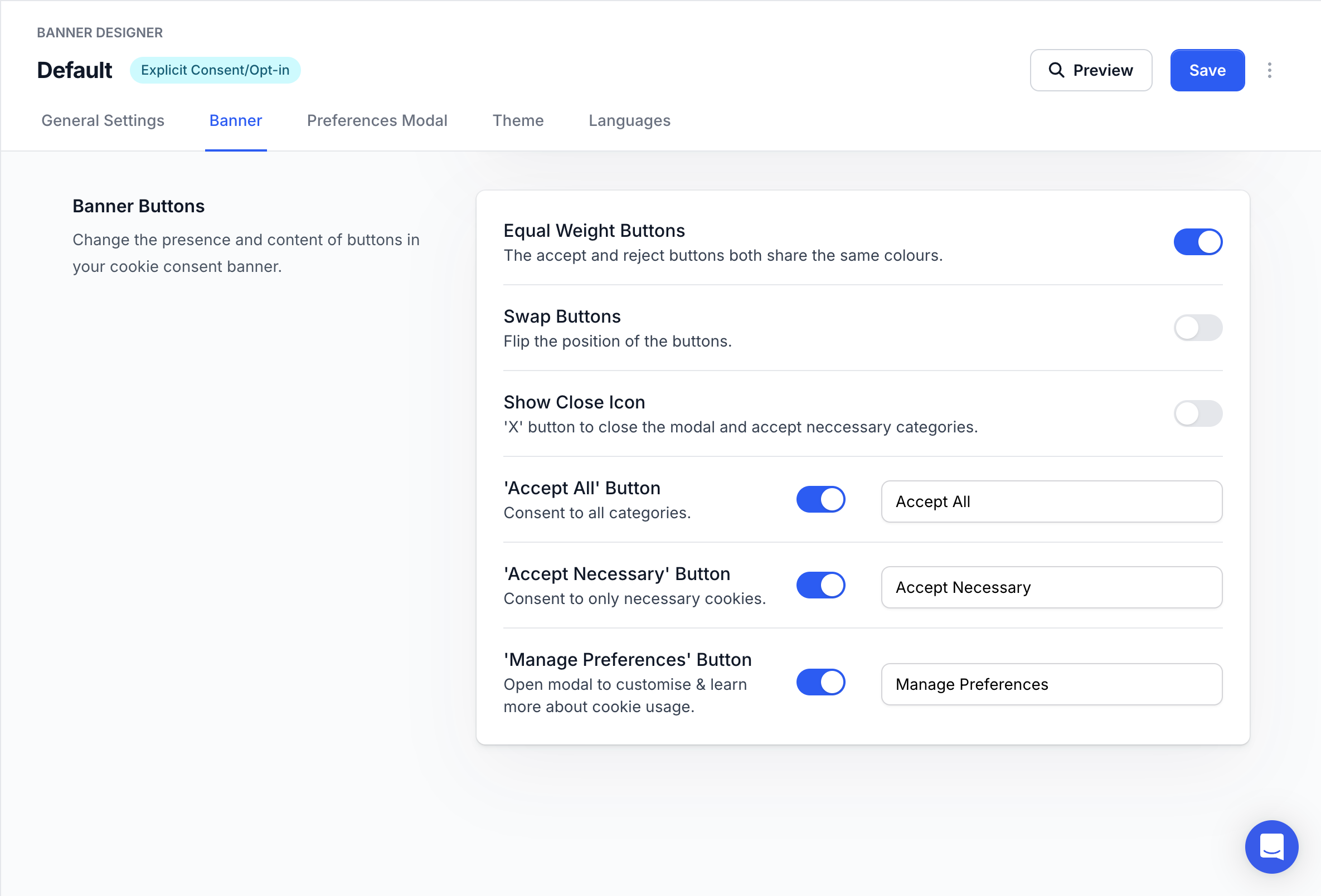
 ## How do I customize banner buttons?
The weights, position and text of banner buttons can be customised.
Some regulations like GDPR require banner buttons to be equally weighted.
Some regulations might require specific text for buttons.
## How do I customize banner buttons?
The weights, position and text of banner buttons can be customised.
Some regulations like GDPR require banner buttons to be equally weighted.
Some regulations might require specific text for buttons.
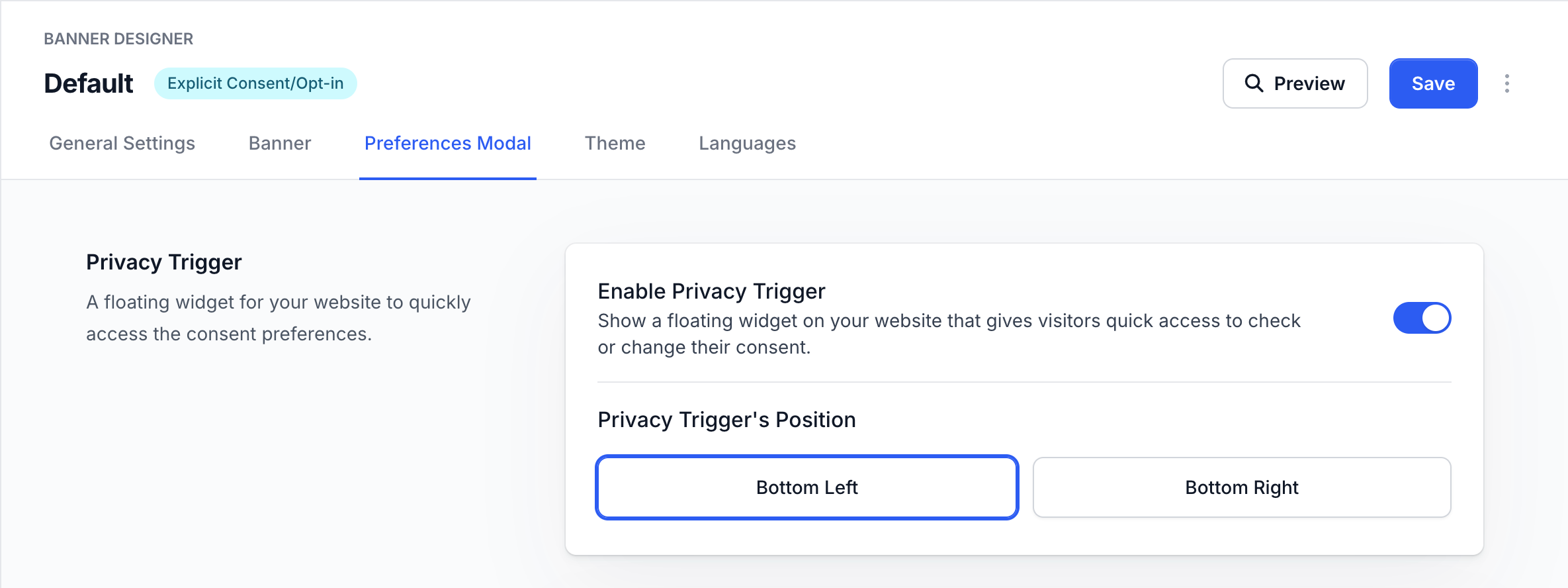
 ## What is the Privacy Trigger?
The privacy trigger is a floating button that allows users to update their consent preferences at any time.
This can be enabled/disabled and its position can be customised.
Most regulations mandate that users must be able to update their consent preferences after giving their initial consent.
You can enable this using our Privacy Trigger or by [adding your own button or link](/advanced/callbacks-events#showpreferences) to open the preferences.
## What is the Privacy Trigger?
The privacy trigger is a floating button that allows users to update their consent preferences at any time.
This can be enabled/disabled and its position can be customised.
Most regulations mandate that users must be able to update their consent preferences after giving their initial consent.
You can enable this using our Privacy Trigger or by [adding your own button or link](/advanced/callbacks-events#showpreferences) to open the preferences.
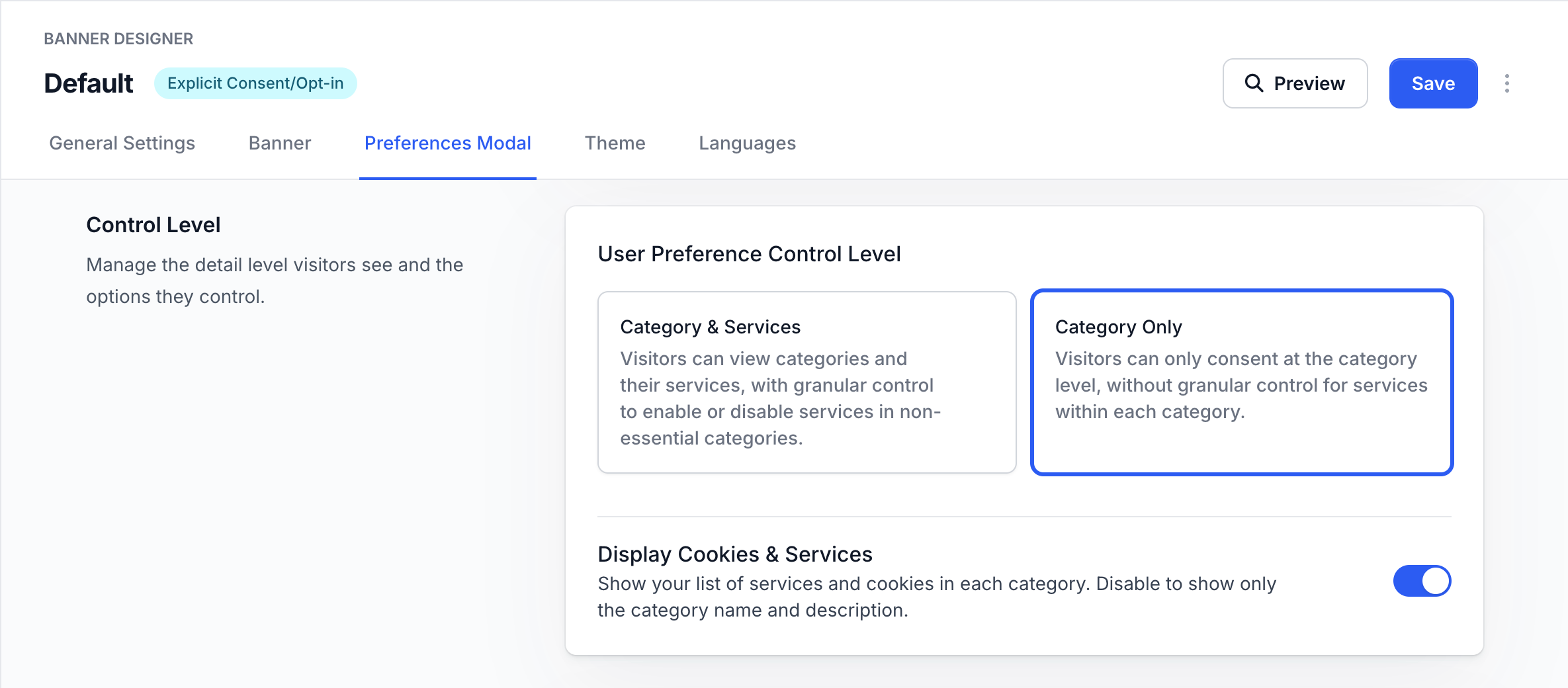
 ## How do I control what users see in preferences?
The preferences modal can be customised to only show categories or to show their services and cookies and allow users to have more granular control.
Some regulations require all storage items and services to be shown.
## How do I control what users see in preferences?
The preferences modal can be customised to only show categories or to show their services and cookies and allow users to have more granular control.
Some regulations require all storage items and services to be shown.
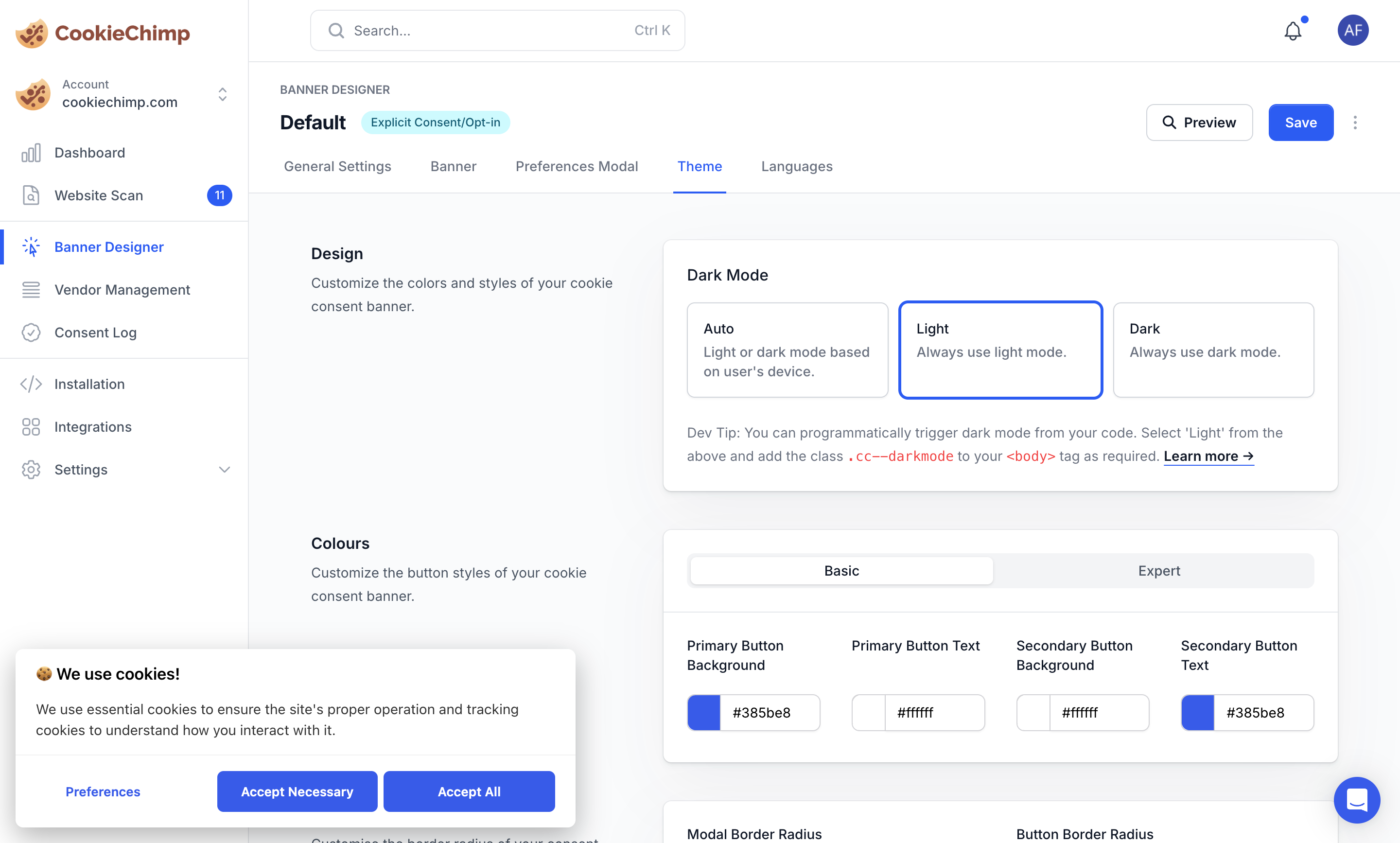
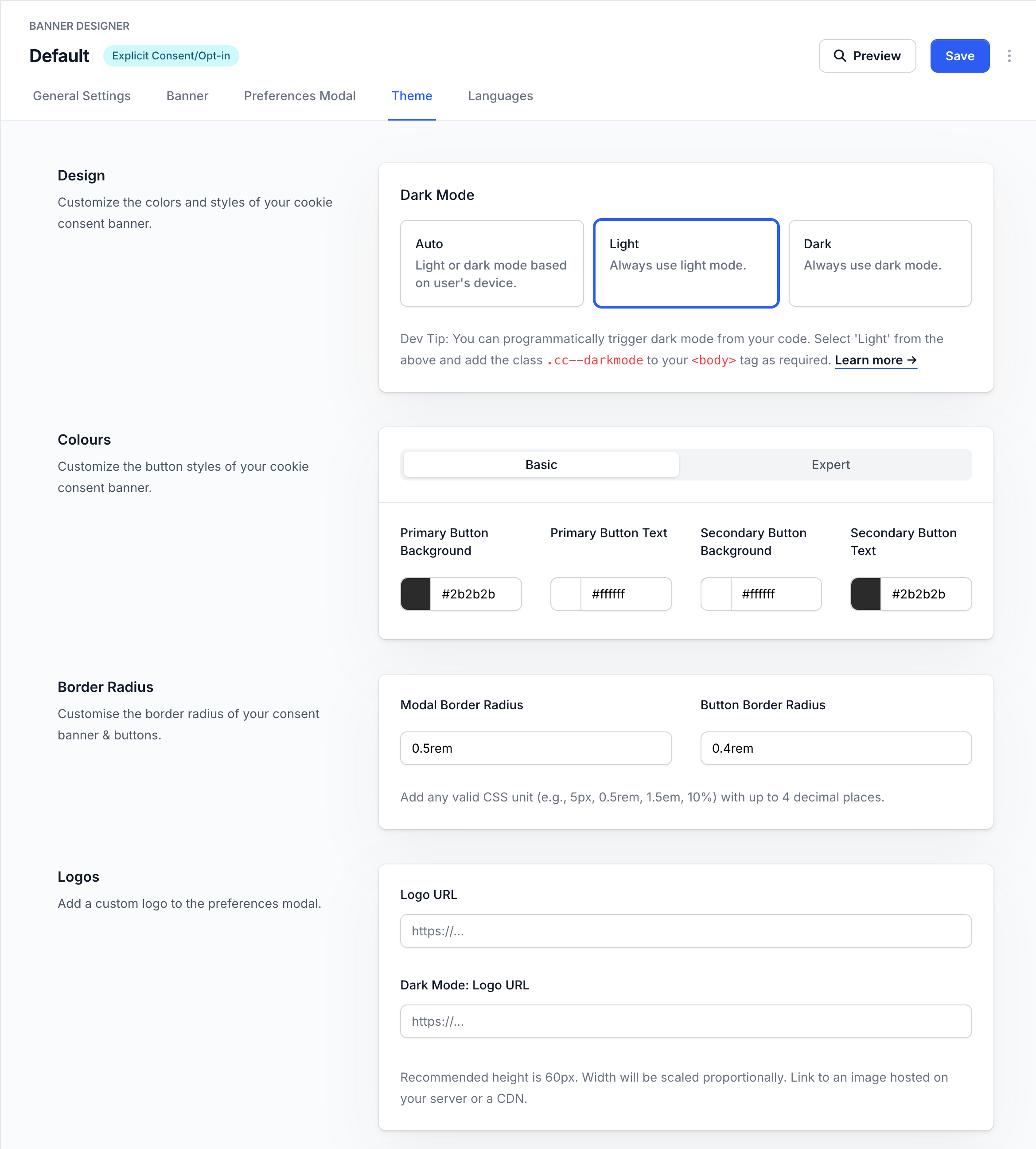
 ## How do I theme the banner?
The banner's appearance can be customised with various theme options:
* Dark/Light mode - Choose between light, dark, or auto mode that follows the user's system preferences
* Colors - Customise the banner's primary colors, text colors, and button colors to match your brand
* Border radius - Adjust the roundness of corners on the banner, buttons and modal
* Logo - Add your company logo to reinforce brand identity
These theme settings apply to both the consent banner and preferences modal to maintain a consistent look across all consent UI elements.
## How do I theme the banner?
The banner's appearance can be customised with various theme options:
* Dark/Light mode - Choose between light, dark, or auto mode that follows the user's system preferences
* Colors - Customise the banner's primary colors, text colors, and button colors to match your brand
* Border radius - Adjust the roundness of corners on the banner, buttons and modal
* Logo - Add your company logo to reinforce brand identity
These theme settings apply to both the consent banner and preferences modal to maintain a consistent look across all consent UI elements.
 For more detailed styling options, refer to the [Custom CSS](/advanced/custom-css) documentation page.
## How do I add translations?
For more detailed information about banner languages and translations, refer to the [Multilingual Banners](/features/multilingual-banners) documentation page.
For more detailed styling options, refer to the [Custom CSS](/advanced/custom-css) documentation page.
## How do I add translations?
For more detailed information about banner languages and translations, refer to the [Multilingual Banners](/features/multilingual-banners) documentation page.